Your AI's own wallet · Solana + Base

Give your AI a wallet
it can actually use.

Xona Wallet lets your AI assistant hold money, find paid services, and pay for things on its own, with spending limits you control. Your keys never leave your computer.

Powered by Xona
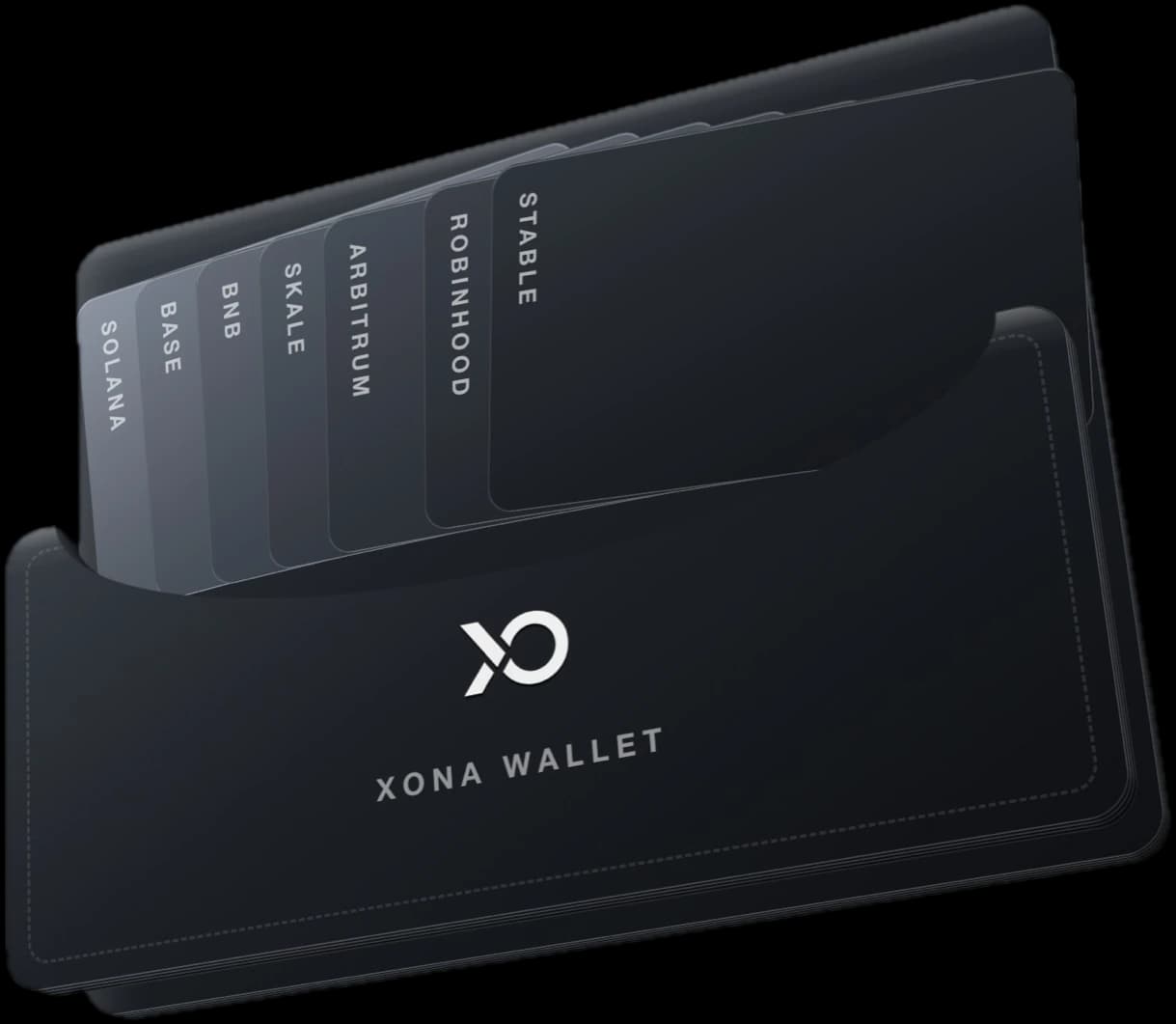

Xona Wallet - one wallet holding cards for Solana, Base and more networks
How it works

Three steps, then it runs itself.

1

Create a wallet

One step. The keys are made on your computer and stay there, protected by encryption.

2

Set your limits

Decide how much your AI can spend per payment and per day. It can never go past them.

3

Let it spend

Your AI finds the service it needs, checks your limits, pays, and reports back to you.

What it does

Everything your AI needs to spend safely.

Finds what it needs

Your AI searches 21,000+ paid services - image makers, data feeds, tools - and picks the best match for the job.

Pays in seconds

Payments settle in about a second using digital dollars (USDC). No cards, no checkout pages, no waiting.

One wallet, every network

Works across Solana and Base from a single balance. Your AI never has to think about which network to use.

Limits that hold

You set caps per payment and per day. They're checked before any money moves - an over-eager AI can't overspend.

Your keys, your money

Everything lives encrypted on your own computer. No company holds your funds, ever.

See every payment

Daily, weekly, or monthly summaries show exactly where every cent went.

See it in action

A conversation, not a checkout.

You talk to your AI like always. Behind the scenes, Xona Wallet checks the balance, finds the service, verifies your limits, and pays. Tap through the four things it handles.

Agentpowered by Xona Walletlive demo
How much can I spend?
Checking the balance...
You've got $42.80 in digital dollars - $28.50 on Solana, $14.30 on Base. One wallet covers both.
finds → checks limits → pays → reportsXona Wallet
Step by step

What happens when your AI buys something.

Your AI does the thinking. Xona Wallet does the money part - it finds the right service, makes sure the price is within your limits, and settles the payment in about a second.

  • Your AI asks for what it needs, in plain language
  • Your spending limits are checked before any money moves
  • The service gets paid, the result comes back, you get the receipt
  1. Youask

    “Make a short video of a cat astronaut”

  2. Your AIdecides

    It needs a video-making service it doesn't have

  3. Xona Walletfinds a serviceXona Wallet

    Searches 21,000+ services and picks one for $0.50

  4. Xona Walletchecks your limitsXona Wallet

    $0.50 is under your $1.00 per-payment cap - approved

  5. Xona WalletpaysXona Wallet

    Sends $0.50 in digital dollars - settled in about a second

  6. Servicedoes the work

    Receives the payment and generates the short video

  7. Resultdelivered

    The video comes back to your AI, and to you

Works with your AI

Plugs into the AI tools you already use.

No new app to learn. Add Xona Wallet to your assistant once, and it can pay for things right inside the conversation.

ClaudeCursorCodexOpenAIGeminiHermes
For developers

Building an agent? One package gets you the whole loop.

TypeScript SDK, CLI, and an MCP server for Claude, Cursor and Codex. Discovery, payments, guardrails, and reports out of the box.

npm install @xona-labs/xpayRead the docs
Ready in minutes

Give your AI a wallet today.

Set it up once, add some digital dollars, and your AI can find and pay for 21,000+ services on its own - always within the limits you set.